New: Custom Emoji Animations

Your Energy,
Safe by AI

Analyze text, reply instantly, and automate tasks in ANY app. Aido works as a smart overlay using Accessibility Services, not just a keyboard.

Get it on Play Store Explore Features
Aido Running...
>

Why Choose Aido?

AI Writer

Generate emails, essays, code, or creative stories instantly. Just type a prompt and let AI finish it.

Learn more →

Smart Replies

Get instant, context-aware reply suggestions for messages. Reply professionally or casually with one tap.

See detailed demo →

Powerful Tools

Built-in grammar check, translation, paraphrasing, and tone adjustment tools to perfect your writing.

Explore tools →

Works Seamlessly Everywhere

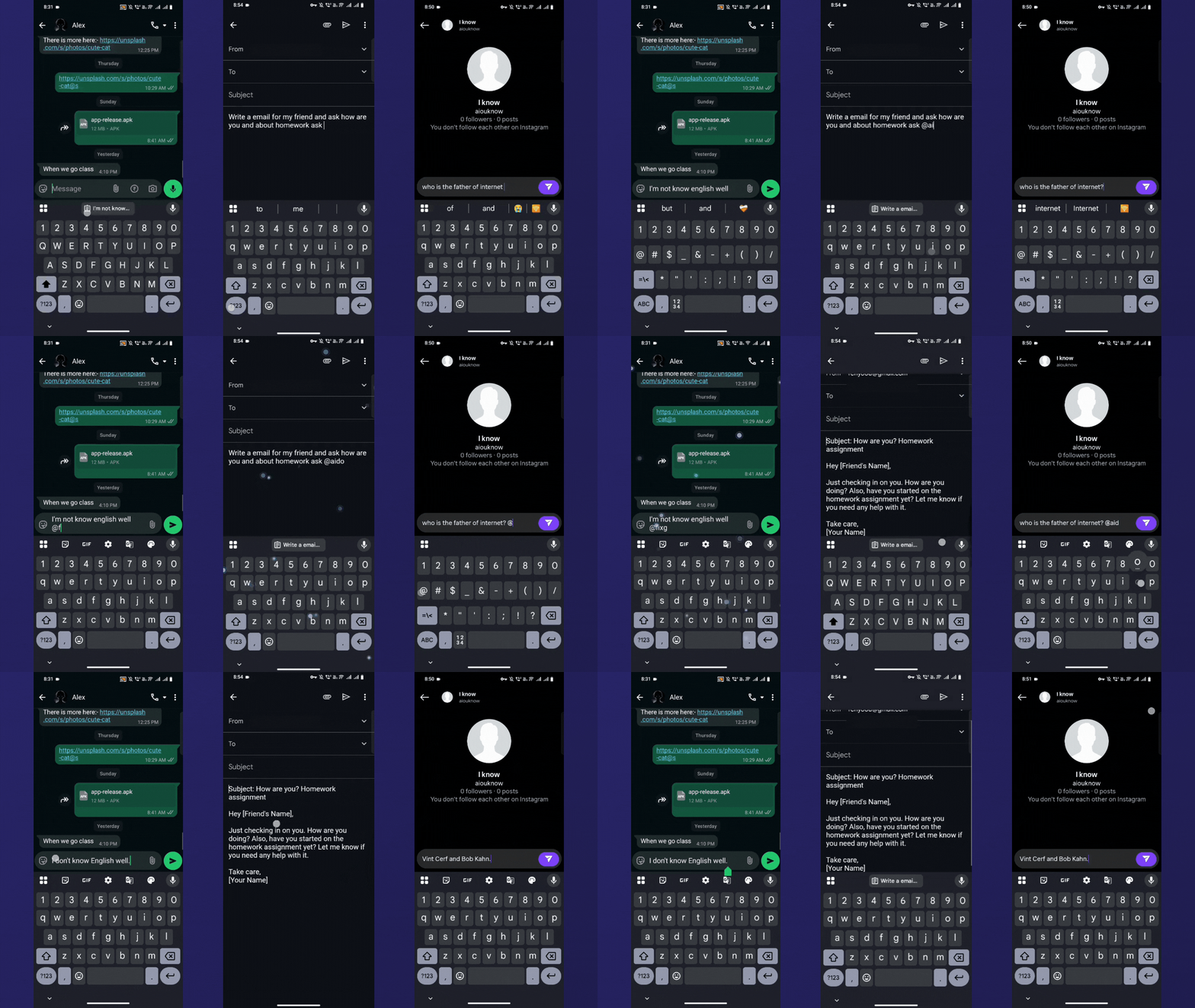
Whether you're on WhatsApp, Instagram, Gmail, or Slack, Aido works on top of your existing apps. No switching required.

  • Privacy-first design
  • Minimal battery usage
  • Custom API Key support
Aido App Integration Demo

Ready to Upgrade Your Typing?

Join thousands of users writing smarter with Aido. Free to download.

Download Now

Frequently Asked Questions

What is Aido?

Aido is an AI-powered accessibility assistant for Android that allows you to use AI tools like rephrasing, translation, and smart replies directly inside any app, without switching screens.

Is Aido safe to use?

Yes, Aido is built with privacy as a priority. It uses Android's Accessibility Services strictly for user-initiated actions and does not store or transmit your personal data to external servers without your permission.

How do I use Aido on Android?

After installing, enable Aido in your device's Accessibility Settings. Then, you can use triggers like '@ai' or tap the floating button in any text field to access AI features.

Is Aido free?

Aido offers a free version with essential features. Advanced models and unlimited usage may require a premium plan or your own API key.